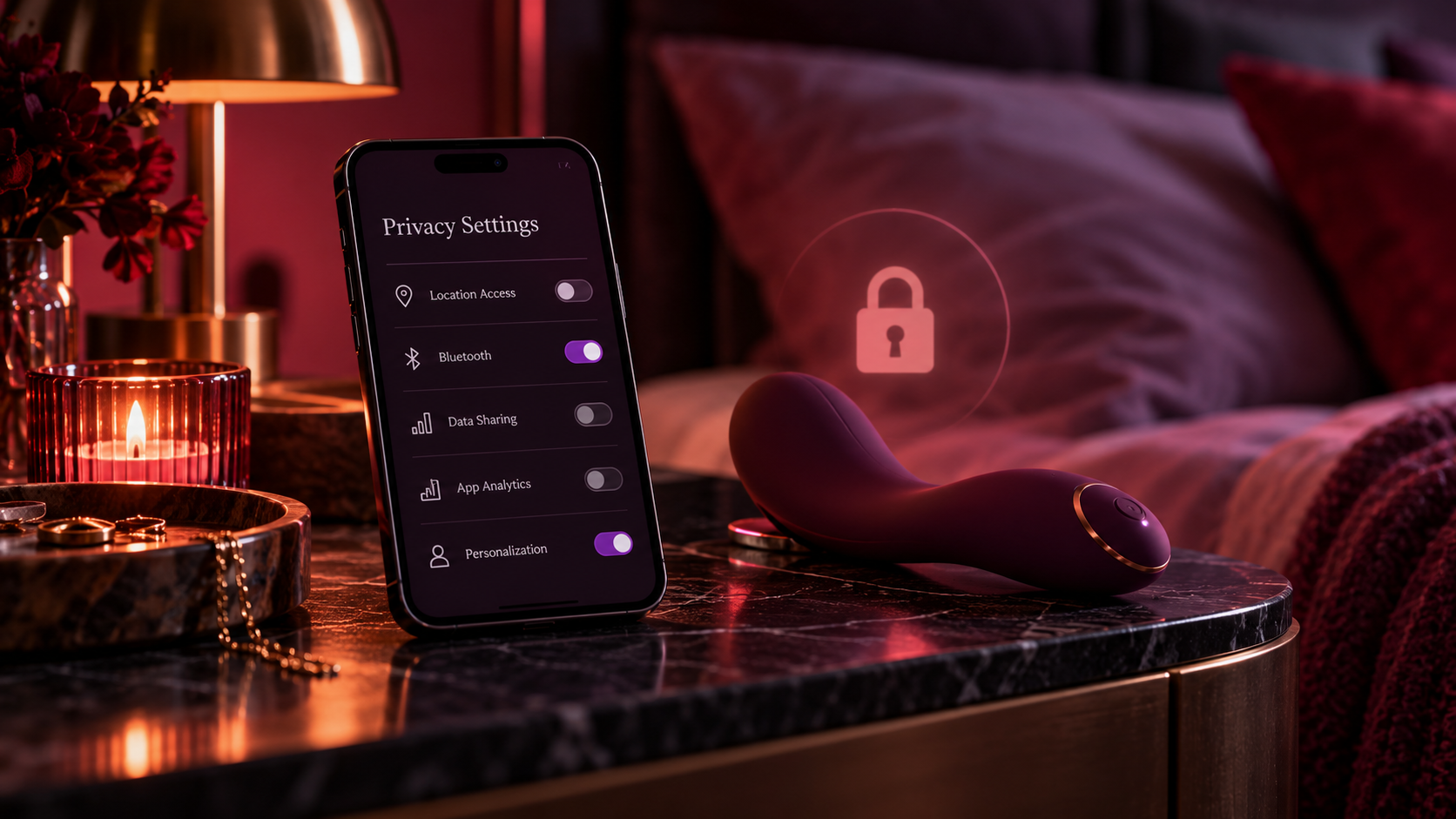
Smart features can be fun. Sloppy permissions are not. A connected toy should feel intimate, not overly exposed.
App-connected toys promise convenience, novelty, and long-distance possibilities. They also ask for trust. Before you hand that trust over, take a close look at the app behavior and the permissions it requests.
The goal is not paranoia. It is basic digital self-respect.
| Privacy check | Why it matters |
|---|---|
| Account creation requirements | Tells you how much personal information the app expects. |
| Bluetooth and location permissions | Helps you decide whether the app is asking for more access than you are comfortable with. |
| Partner-sharing tools | Clarifies who can control or connect to the device. |
| Data retention or analytics settings | Shows whether the app collects more behavioral data than you want. |
Start with the app, not the toy
Before falling for the toy design, download or inspect the app information if possible. See what it asks for, what users complain about, and whether the account system seems lightweight or invasive.
A beautiful device attached to a messy app is still a messy purchase.
Review permissions carefully
Ask whether every permission seems necessary. Some access may be needed for pairing or features. Some requests may simply feel broader than you would like. That line is personal, and you are allowed to care about it.
Turn off anything you do not need after setup, especially if the app allows fine-grained control.
Think about partner access
If the toy supports remote control, ask how control is granted, revoked, and remembered. Does the app make it obvious who has access? Can you disconnect easily? These questions matter whether the relationship is casual, long-term, or somewhere in between.
Privacy is not anti-romance. It is part of consent and clarity.
- Green lights: clear permission explanations, visible control settings, and straightforward account management.
- Caution lights: unclear permissions, buggy pairing, or no easy way to review who can connect.
Treat the settings as part of the experience
Once the privacy basics are handled, you can relax into the fun part more easily. That is the point. Settings are not there to kill the vibe. They are there to protect it.
A connected toy should feel playful, not administratively creepy.
Before you buy
- Check what account information is required.
- Review app permissions and disable extras when possible.
- Understand how partner access works and how to revoke it.
- Be cautious about broad analytics or data sharing.
- Treat privacy setup as part of buying responsibly.
Connected features can be genuinely sexy. They are much sexier when you know exactly how the connection works.
A five-minute privacy audit before pairing a connected toy
App control adds a second product to assess: the software. A premium motor or attractive design doesn't make an account service trustworthy. Privacy depends on how accounts, permissions, data retention, remote access, and updates are handled.
On a phone, swipe the comparison table sideways to see every column.
| Question | Why it matters | What to look for |
|---|---|---|
| Can you revoke partner access? | Remote control should remain consent-based | A clearly labeled disconnect/revoke function |
| What data is collected? | Account, usage or connection data may reveal intimate habits | A readable privacy policy and deletion process |
| What permissions does the app request? | Bluetooth/location permissions may be needed for setup, but scope matters | Clear rationale and granular controls where available |
| Can the device receive security updates? | Unsupported firmware can accumulate risk | Documented update support and manufacturer contact |
| What happens if the account is compromised? | Shared credentials can compromise remote access | Strong unique password, MFA if available, session/device management |
After setup, test the exit
Before inviting anyone else to connect, confirm that you can remove their access, unpair the device and delete or export personal information as described by the vendor. Do not share your primary account password with a partner. Disable permissions you no longer need; if the toy works offline, consider whether a persistent cloud connection is worth it.
Our companion app-controlled toy buyer guide covers feature comparisons; this checklist is about retaining control of the technology.
FAQ
Any connected device can introduce account and data-handling risks. Check app permissions, privacy disclosures, account recovery, and device update support.
Read the privacy policy, enable available account protections, and decide which permissions and stored data you are comfortable with.